
If your business uses Microsoft 365 or Google Workspace, the way your team signs in is beginning to change.
For years, we have relied on passwords and one-time codes sent by text message to protect our online accounts. While these methods have helped improve security, cybercriminals have become increasingly successful at stealing passwords and tricking people into handing over authentication codes through phishing emails, fake websites and social engineering.
To address this problem, both Microsoft and Google are moving towards a new sign-in method called passkeys. Microsoft has announced plans to make passkeys the default authentication experience for many users and is moving away from SMS and voice-based authentication methods.
The goal is simple: make signing in easier for users while making it much harder for criminals to gain access to accounts.
What is a passkey?
A passkey is a modern way of signing in without needing a password.
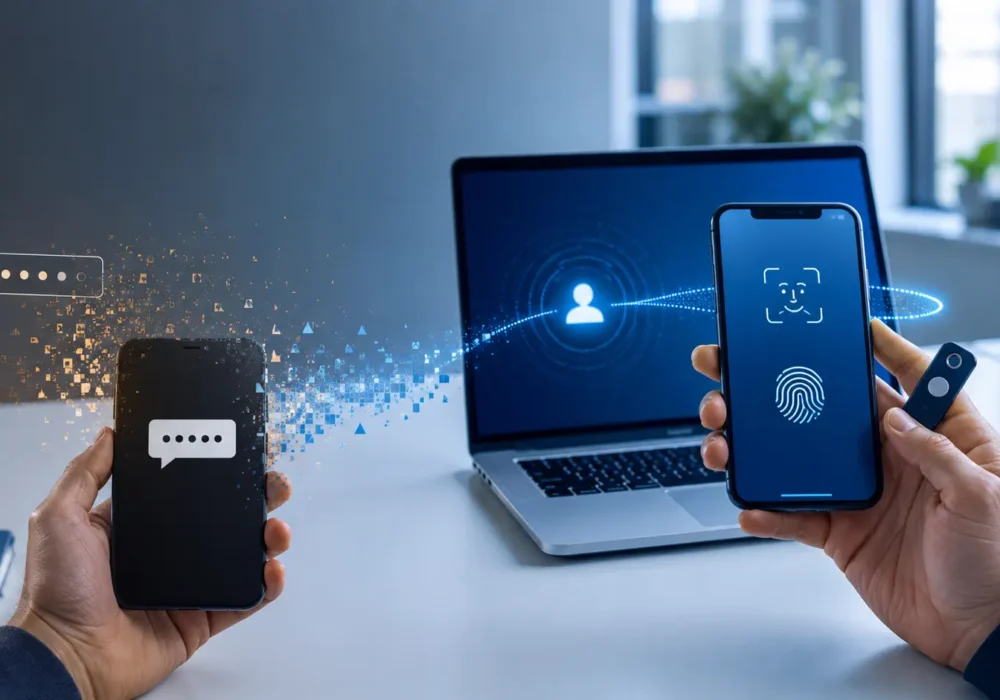
Instead of typing a password and then entering a code from an app or text message, you use something you already use every day:
- Your fingerprint
- Face recognition
- A PIN on your device
- A security key
When you sign in, your device confirms that it is really you and securely authenticates with the website or application.
Microsoft and Google both describe passkeys as a more secure alternative to passwords because they use cryptographic keys rather than shared secrets, such as a password that you type into a website.
Why are companies moving to passkeys?
The biggest reason is phishing.
Every day, criminals create fake websites and convincing emails designed to steal usernames, passwords and authentication codes.
Traditional passwords can be:
- Guessed
- Reused
- Stolen in data breaches
- Entered into fake websites
Even SMS verification codes can be compromised, for example through SIM-swapping attacks, where a criminal takes control of a victim’s mobile number, or through social engineering that tricks someone into sharing a verification code.
Passkeys help prevent many of these attacks because they are linked to a specific website or service. A passkey created for Microsoft cannot be used somewhere else, and your device will normally refuse to use the passkey on a fake website.
This is why passkeys are often described as phishing-resistant authentication.
Does phishing-resistant mean completely secure?
No. This is an important point that is often misunderstood.
Passkeys significantly reduce the risk of phishing attacks, but no security technology can guarantee complete protection.
Potential risks still include:
- Malware installed on a device
- Criminals gaining physical access to a device
- Social engineering attacks that trick users into approving actions
- Poor security practices elsewhere in the organisation
- Compromised devices
Recent security research has demonstrated that attackers may still be able to abuse passkey systems in certain scenarios if malware is already installed on the user’s device. Importantly, these attacks require the device to have already been compromised and do not break the underlying passkey technology itself.
Think of it this way: a passkey is a much stronger front door lock, but you still need secure windows, alarms and sensible behaviour from everyone in the building.
What do passkeys mean for your business?
The move to passkeys is part of a wider shift towards passwordless security.
Over the coming months and years, employees will increasingly see prompts from Microsoft, Google and other services encouraging them to create passkeys.
For many users, the experience will actually become simpler:
- Fewer passwords to remember
- Faster sign-ins
- Reduced risk of phishing
- Better protection against credential theft
However, organisations still need clear security policies, user education and sensible controls around devices and account recovery.
How should businesses prepare for passkeys?
Businesses do not need to replace their existing authentication methods overnight. However, the growing adoption of passkeys is a timely opportunity to review how accounts, devices and sign-in processes are currently protected.
Some useful questions to consider include:
- Are we still heavily reliant on passwords or SMS authentication?
- Which authentication methods are currently enabled in Microsoft 365 or Google Workspace?
- Do privileged and administrator accounts have appropriate additional protection?
- Are company devices properly secured and managed?
- Do we have sensible account recovery processes if someone loses or replaces a device?
- Do employees understand what passkeys are and what legitimate sign-in prompts should look like?
Understanding your current position makes it much easier to decide what needs changing now, what can be introduced gradually and where the greatest security risks lie.
How BCNS can help
Many businesses are unsure how these changes affect their users, devices and security policies.
At BCNS, we help organisations:
- Review Microsoft 365 and Google Workspace security settings
- Plan passkey adoption
- Improve phishing protection
- Reduce reliance on passwords
- Implement phishing-resistant authentication
- Review device security and access controls
- Deliver security awareness training
The aim isn’t simply to introduce another piece of security technology. It’s to help you understand where your organisation may currently be exposed, what needs attention and how stronger authentication can be introduced without creating unnecessary disruption for your users.
Is your business ready for passkeys? Time for a security review
Passkeys are an important step forward, but they work best as part of a broader security strategy.
If you are unsure whether your organisation is prepared for these changes, contact BCNS for a security review. We will assess your current setup, identify any risks and provide clear recommendations to help keep your business protected.
You’ll come away with a clearer understanding of your current authentication and security arrangements, the areas that need attention and the practical next steps for your organisation.
Get in touch with BCNS today to discuss your security posture and prepare for the next generation of authentication.